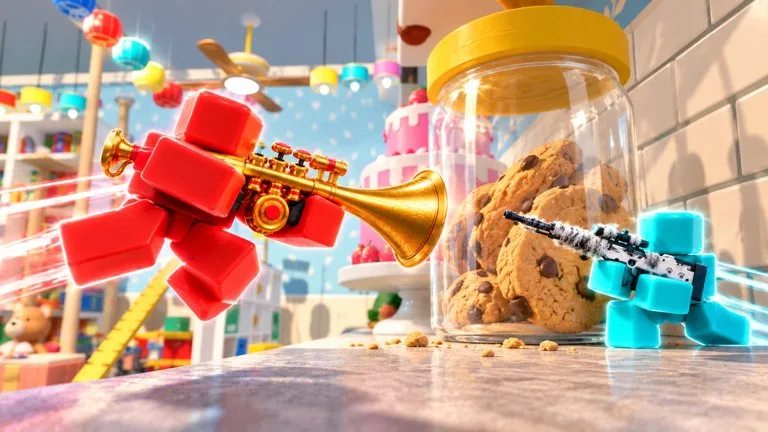
Tiny Snipers supports PC, phones, tablets, Xbox, and PlayStation. The official description does not publish a bind sheet, deadzone, or sensitivity value. Anything below that sounds like a keyboard diagram is a layout to verify in the game, not a confirmed Strafe Jump hotkey list. If your client shows different labels, trust the client.
What every device needs
You need four actions without opening a menu: move, look and fire, jump for pads and wall jumps, and a weapon swap that reaches the knife. Standing still after a miss is punished because the lobbies are small. Keep jump on a finger or thumb that does not force you to stop aiming. Do not remap so hard that you cannot open the Roblox menu.
PC, as a baseline to check
Most Roblox shooters use WASD to move, mouse to look, left click to fire, right click to aim, Space to jump, and a number key or scroll to swap weapons. Sprint, reload, and crouch keys vary. Open the in-game control list before you assume Shift, R, or Ctrl do those jobs here. If you overshoot heads on long living-room lanes, lower look speed a little and play several matches before you change it again. A mousepad that can turn you around without a lift is more useful than a copied DPI number. This site does not publish a required sensitivity.
Phones and tablets
Put movement on the left and look or fire on the right, with a gap so thumbs do not collide. Make jump, crouch if it exists, and weapon swap large enough to hit. A separate fire button is easier than firing by dragging the look stick, if the layout allows it. Lower look speed until you can track someone across a sofa without oscillating. Gyroscope only helps if you already use it in other games. Shrink buttons that cover the center of the screen. Tiny models disappear behind opaque HUD.
Xbox and PlayStation
Left stick moves. Right stick aims. Triggers usually fire and aim down sights, and face buttons cover jump, reload, and swap, but confirm the on-screen prompts. Lower the right-stick deadzone only until drift starts. Drift looks like a bad peek. Aim assist, if the game has it, does not hold an angle for you when someone pads behind the nest. Leave the scope, knife, and re-aim instead of dragging through a wall.
During events
Lights out, storms, and the cat are bad times to raise sensitivity. Hold a route from the maps guide instead of spinning. The aim page is the drill list. The movement page is where jump timing matters.
Next
Pick one device for the climb. Switching from mouse to touch in the middle of Ranked without a new layout is how early ranks stall. Then run the first-match checklist on the beginner page.